Kopdes Shift Anomalies Tools
Practical utilities for night-shift cashiers — checklists first, cheats never required.
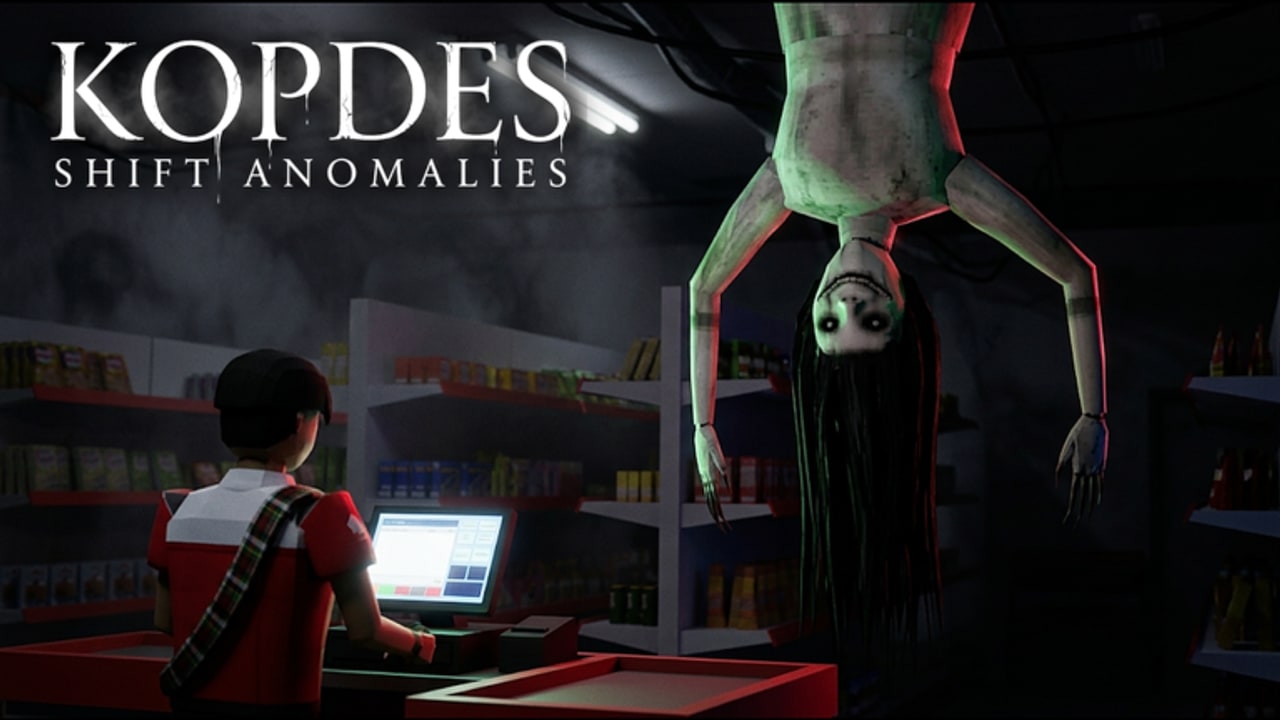
The Tools Hub gathers practical, fair-play utilities for Kopdes Shift Anomalies on Roblox. Instead of pushing injected executors, this section focuses on mental models, printable checklists, and prep workflows that help you survive the village cooperative night shift — scanning items, taking payment, and kicking Indonesian folklore anomalies before they end your run.
Kopdes Shift Anomalies by Imaginature Interactive (place 117382010759945, universe 10768349969, released 27 September 2026) supports solo play or 1–4 friends, promises a large ending set (25 endings in current official framing), and stays free to enter. Tools here exist to make observation sharper, not to bypass the horror.
Featured tool
Anomaly Checklist
Open the Anomaly Checklist for a structured mental list of common tell categories: face and eye problems, body orientation issues, payment oddities, dialogue red flags, and environmental cues. Use it as a pre-shift warm-up or a co-op callout sheet. It is designed to complement — not replace — the in-game rules binder players often open during a shift.
How to use this hub during a real night
- Before queueing — Skim Getting Started if you are new, then run the anomaly checklist once out loud with your party.
- In lobby — Assign roles (primary cashier, anomaly spotter, runner/hider) so tools translate into jobs.
- During the shift — When unsure, default to the checklist categories rather than panicking. Wrong serves and wrong kicks both cost you.
- After a wipe — Note which tell fooled you, then check the Tier List Hub for priority threats and the Updates Hub for patch-changed behavior.
- After a win — Track which ending route you touched and which tool prompts still felt slow.
Tool design principles on this wiki
- Fair play first — Utilities should work on an unmodified Roblox client.
- No fake loadstrings — Script hunting belongs on the honest Scripts Hub and executor safety pages, not disguised as a “tool download.”
- Co-op aware — Every tool should still help when two to four cashiers share one counter.
- Patch resilient — Prefer rule categories over brittle pixel coordinates that break after an Imaginature update.
- Locale friendly — The experience ships with strong Indonesian presentation; English tools here translate the decision logic, not every voice line.
Planned and companion utilities
As the wiki grows, Tools Hub entries may include:
- Ending route trackers (spoiler-tagged)
- Co-op callout sheets for Pocong / Kuntilanak / Genderuwo / Tuyul style encounters
- Strike budget planners for three-warning nights
- Pre-shift audio checklists (headphones, volume, party chat)
- Link packs that only point at verified hubs via the Links Hub
Anything that requires an external .exe will not be listed as a recommended tool.
Tools versus codes versus scripts
| Need | Go here |
|---|---|
| Promo rewards | Codes Hub (no verified active codes at research time) |
| Redeem steps | How to Redeem Codes |
| Injected cheats discussion | Scripts Hub |
| Malware / ban hygiene | Executor Safety |
| Observation aid | Anomaly Checklist |
| Official URLs | Links Hub |
Keeping these lanes separate stops scammers from relabeling malware as a “shift tool.”
Co-op tool ritual (5 minutes)
Try this ritual before a serious ending attempt:
- Everyone opens the anomaly checklist on a second monitor or phone.
- One player reads face/eye tells; another reads body/payment tells.
- Agree on a kick call phrase (“anomaly left,” “hold serve,” “hide now”).
- Confirm nobody is running executors if your group wants clean clears — see executor safety.
- Favorite the official experience so you rejoin the correct place after crashes.
Why tools matter more than “secret menus”
Viral anomaly games create a market for fake GUIs. A calm checklist beats a shady overlay that false-positives every grandmother NPC and burns your strike count. The horror fantasy of Kopdes Shift Anomalies is deciding under pressure while folklore entities test your attention. Tools should support that fantasy.
Related hubs
- Anomaly Checklist
- Guides Hub and Getting Started
- Tier List Hub
- Codes Hub
- Scripts Hub
- Updates Hub
- Links Hub
Bookmark this Tools Hub, warm up with the checklist, and keep your client clean. Morning payday hits harder when you earned it with your own eyes.
Frequently Asked Questions
Quick answers to the most common questions.
What tools are available for Kopdes Shift Anomalies on this wiki?
Start with the Anomaly Checklist under Tools. More fair-play utilities will be added here as the wiki expands.
Do these tools require an executor?
No. Recommended tools are mental checklists and prep workflows for a normal Roblox client.
Are scripts listed as tools?
No. Scripting status and risks live on the Scripts Hub and executor safety guide. Tools Hub stays fair-play focused.
Can I use the checklist in co-op?
Yes. Read categories aloud, split callout roles, and agree on kick phrases before the night starts.
Where do promo codes fit?
Codes are tracked on the Codes Hub. There were no verified active codes at research time—recheck after updates.